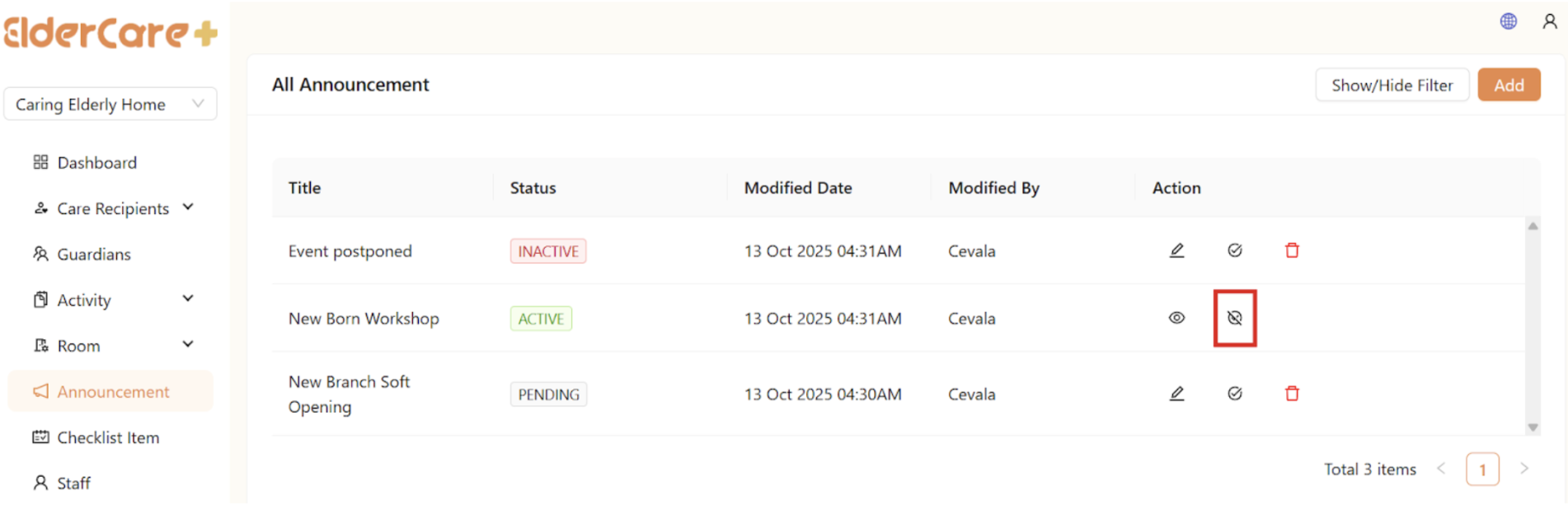
Announcement
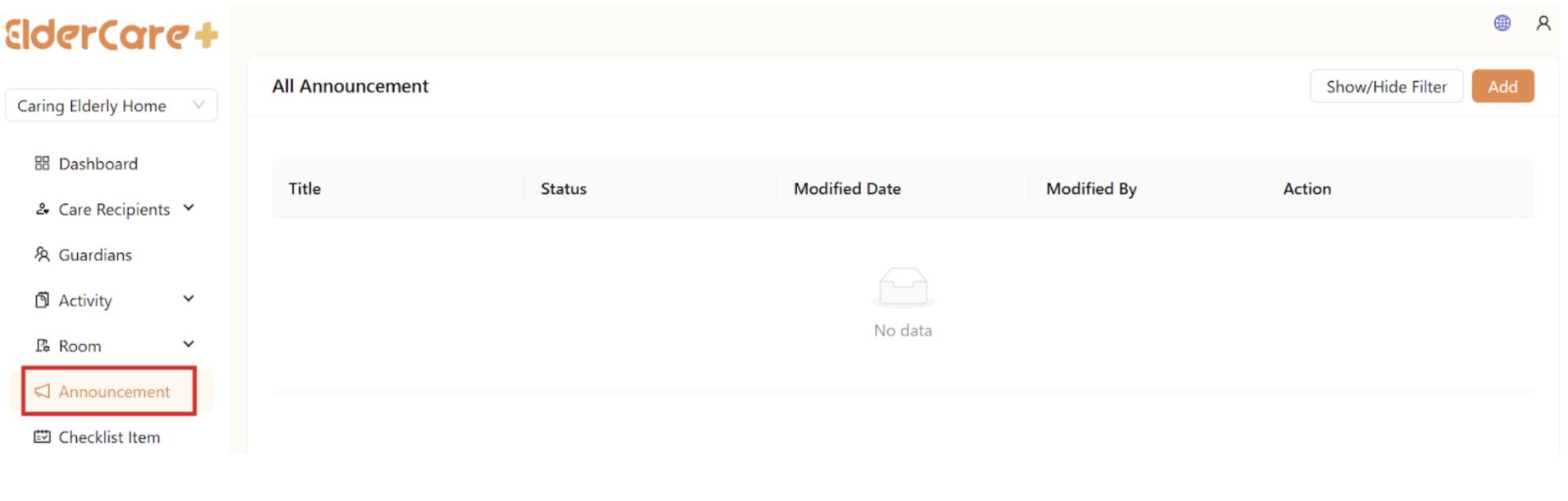
- Location: Announcement
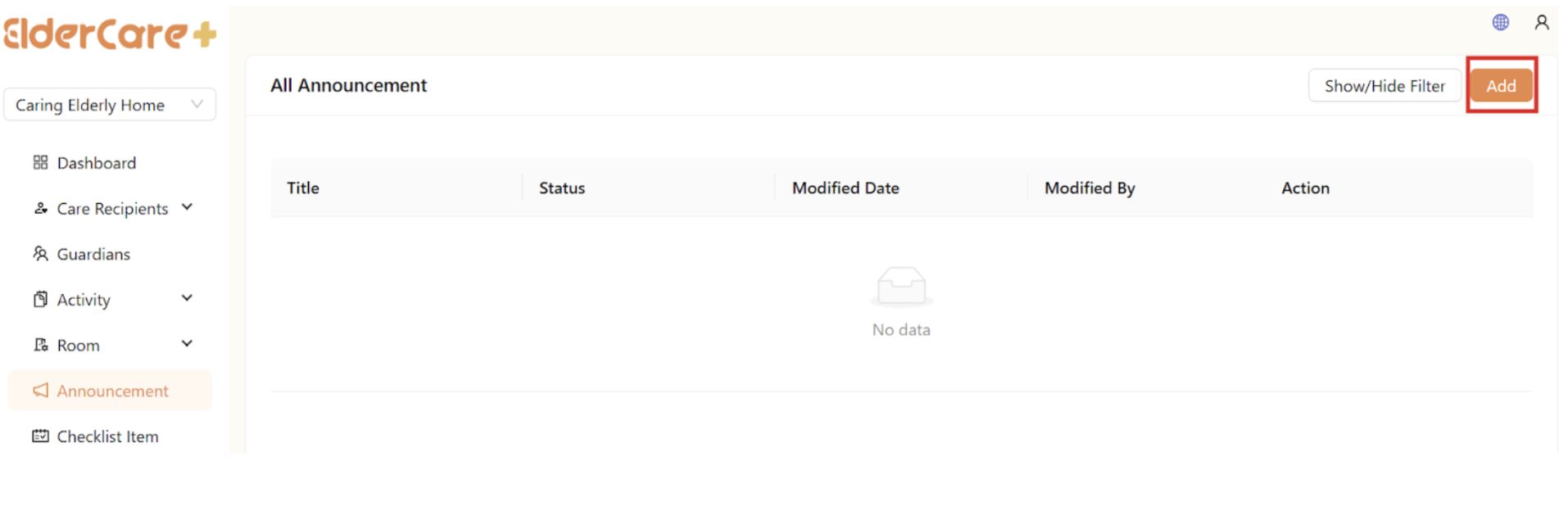
How to Create Announcement
- Click “Add”
- Fill in the required fields, then click “Save”
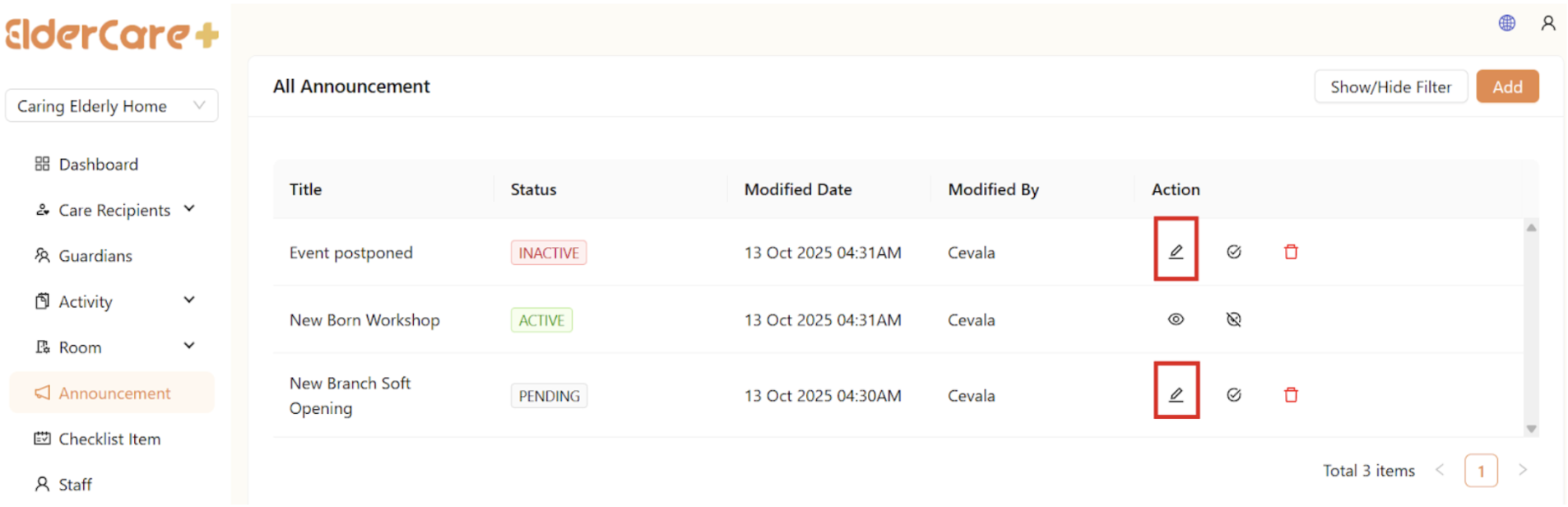
How to Edit Announcement
- Click on the Edit icon
- Make changes in the required field, then click “Save”
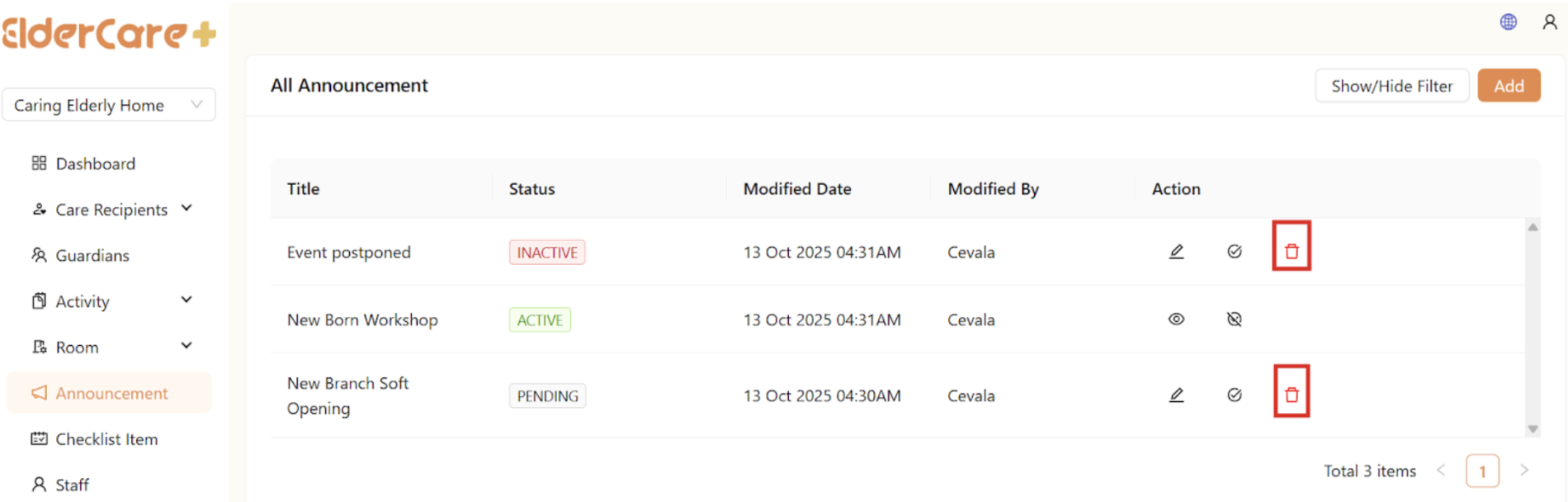
How to Delete Announcement
- Click on the Delete icon
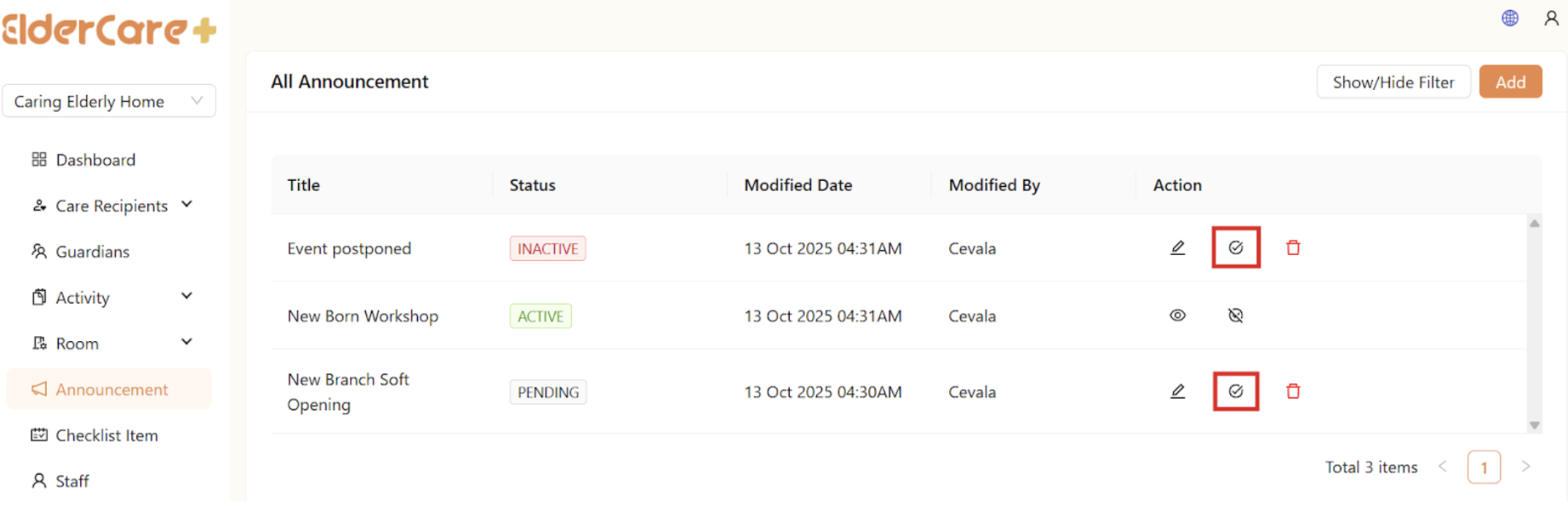
How to Publish Announcement
- Click on the Publish icon
- Status changed to “Published”
- Only published announcement will be visible to users
How to Unpublish Announcement
- Click on the Unpublish icon
- Status changed to “Unpublished”