Login Access
Sign Up
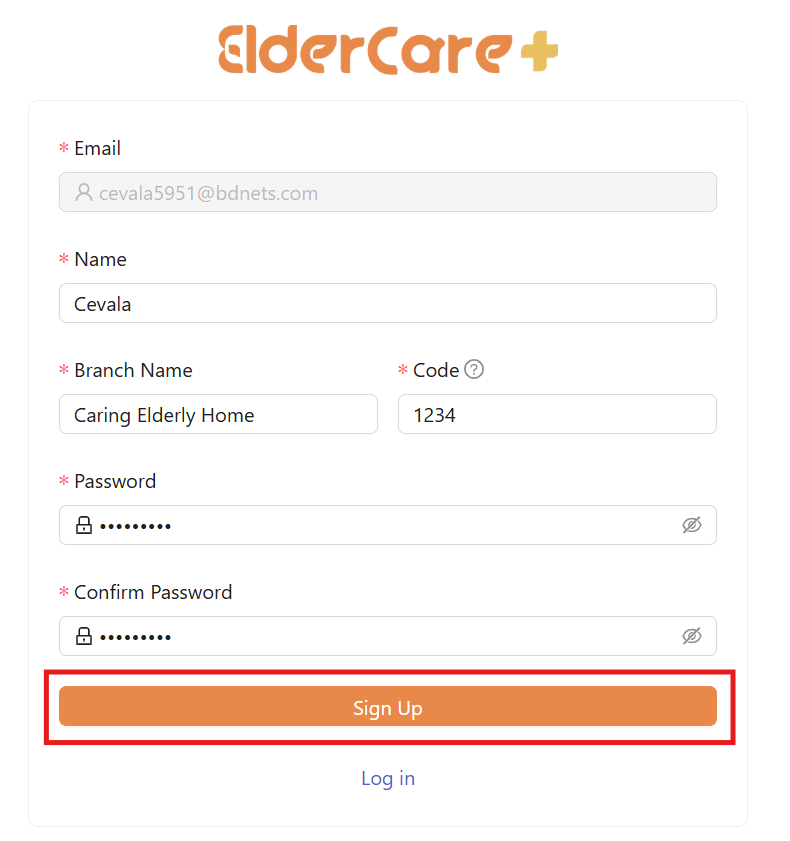
- Super admins are invited to sign up their accounts through email.
- Check your email for the sign up link. Fill in the required fields then click “Sign Up”.
- After signing up successfully, another email is sent. Check your email for the log in link.

Sign In
- Open the log in link from the email.
- Fill in your email and password, then click “Log In”.
Figure 1: Email received by Superadmin
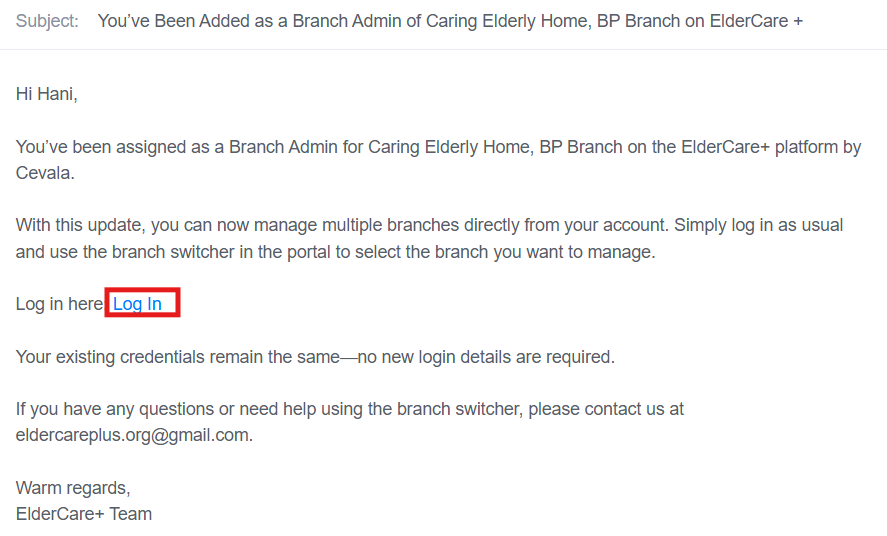
Figure 2: Email received by Admin

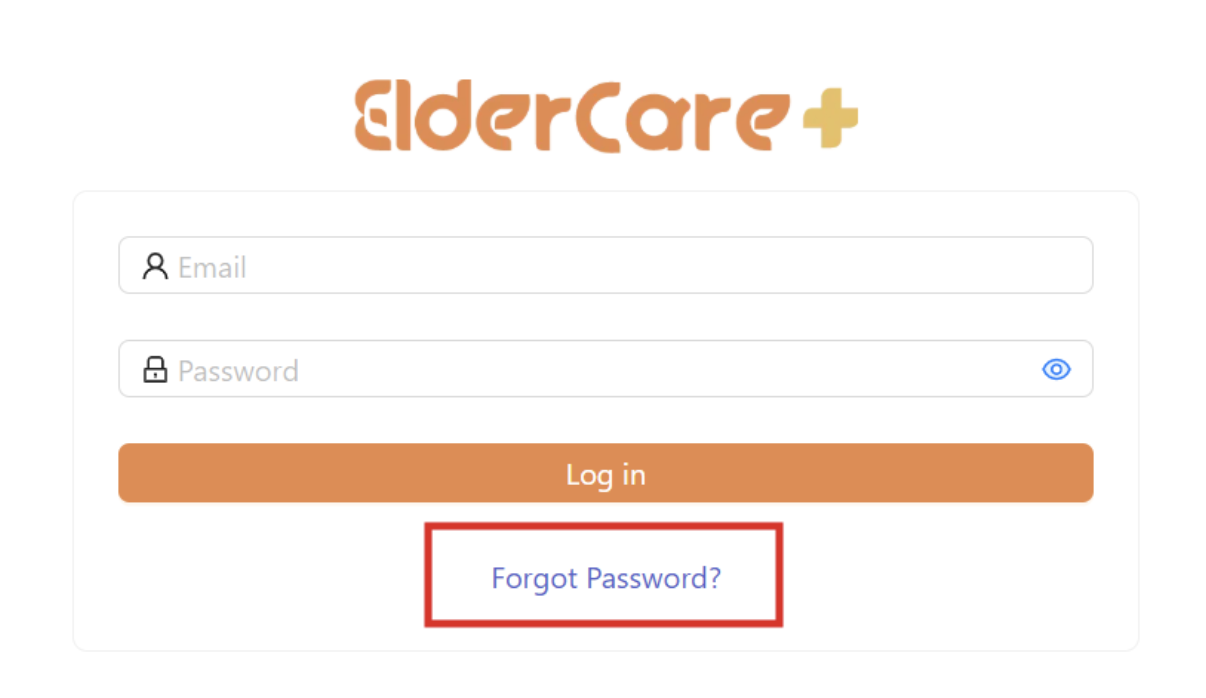
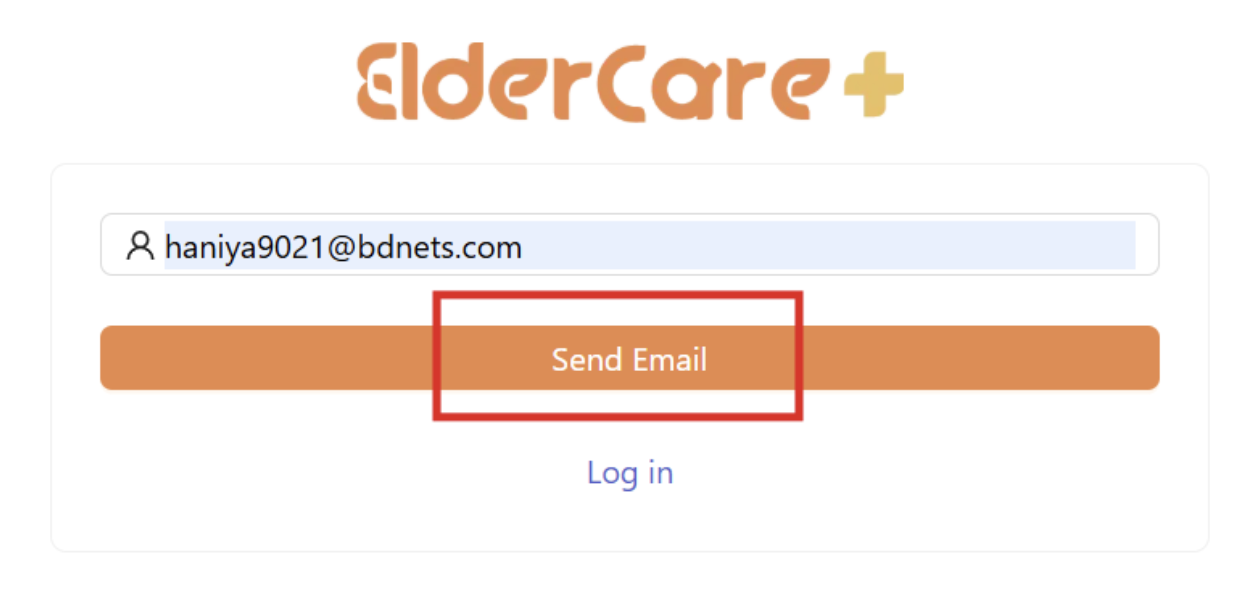
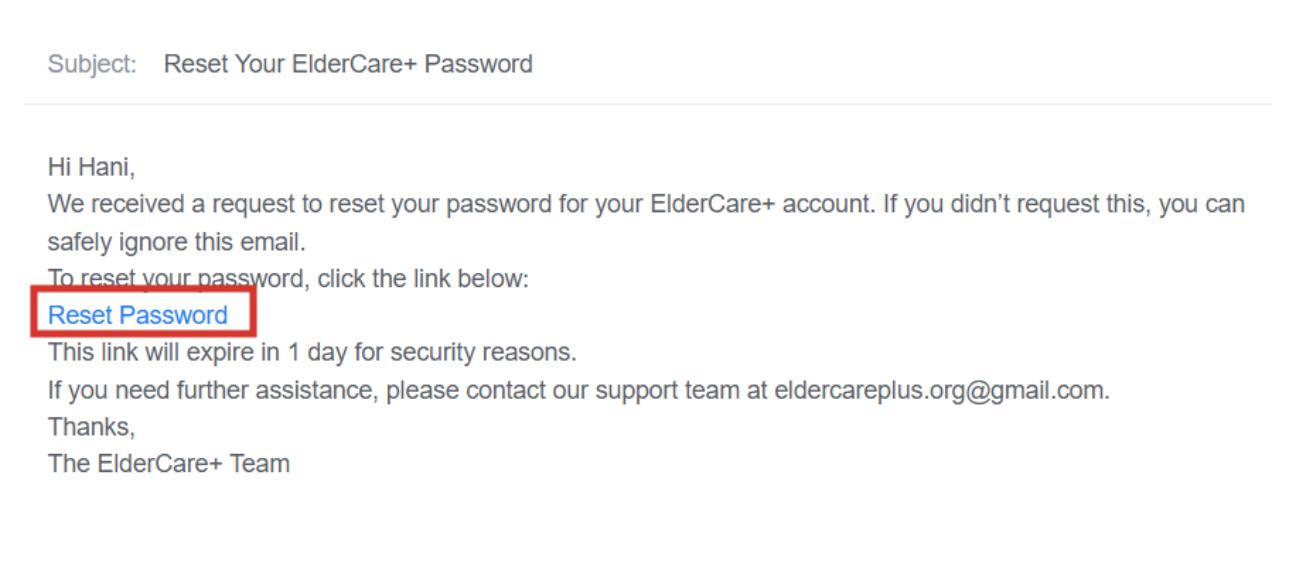
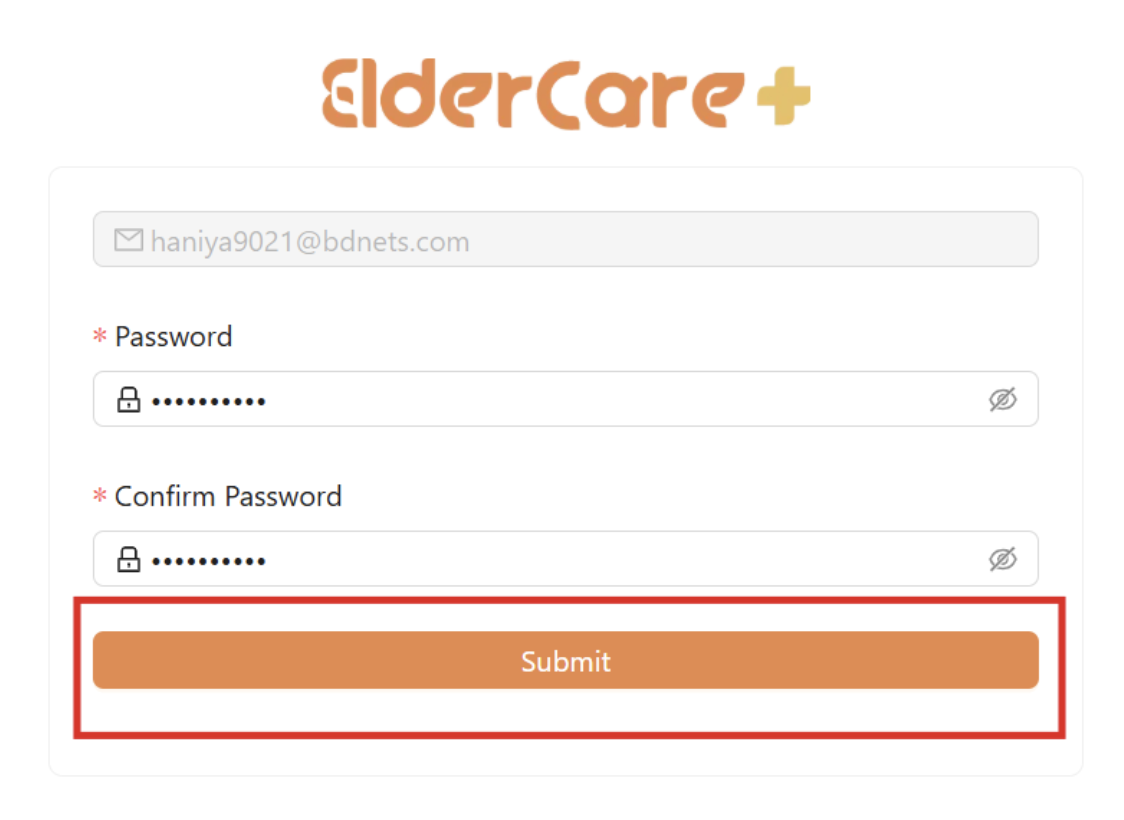
Forgot Password
- Click “Forgot Password”
- Fill in your email address registered with Elder Care+
- A reset password link is sent through email
- Check your email for the link, then click “Submit”