Dashboard
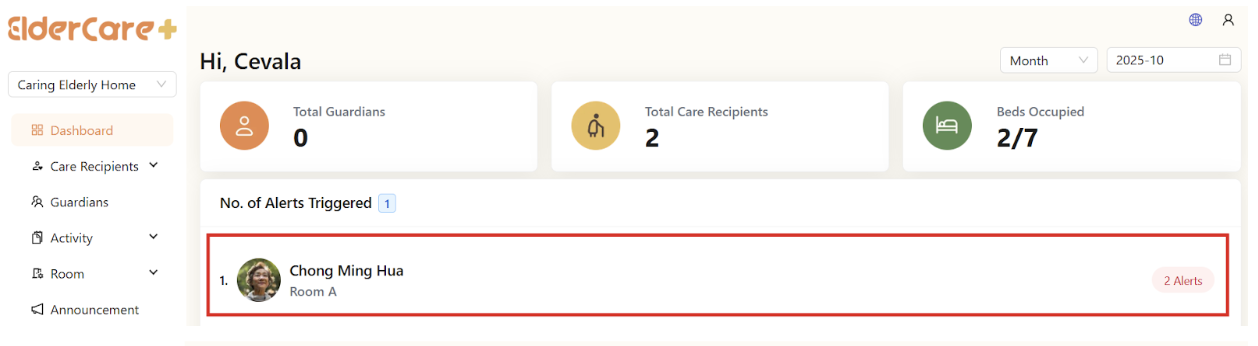
How to Monitor Dashboard
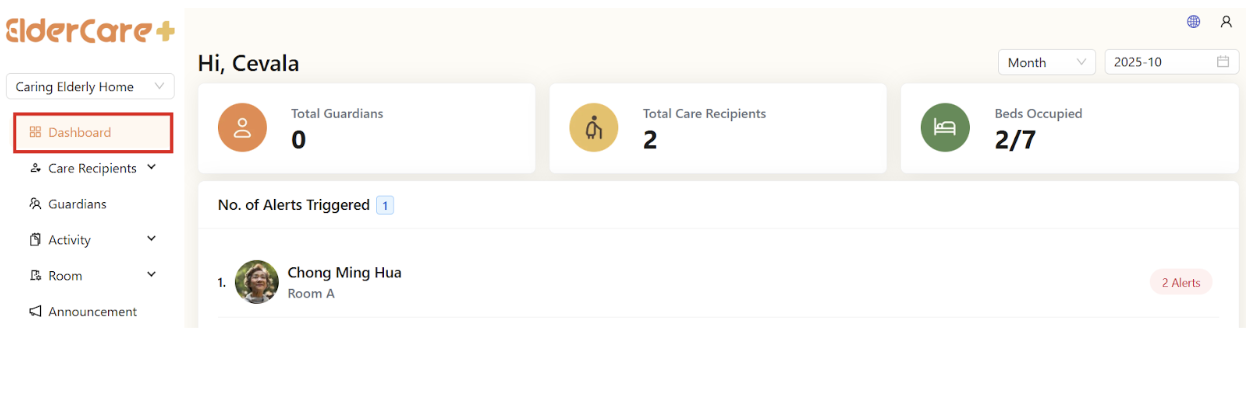
- Location: Dashboard
- Total Guardians: No. of active guardians
- Total Care Recipients: No. of checked in care recipients
- Beds Occupied: Beds assigned to care recipients / total no. of beds added
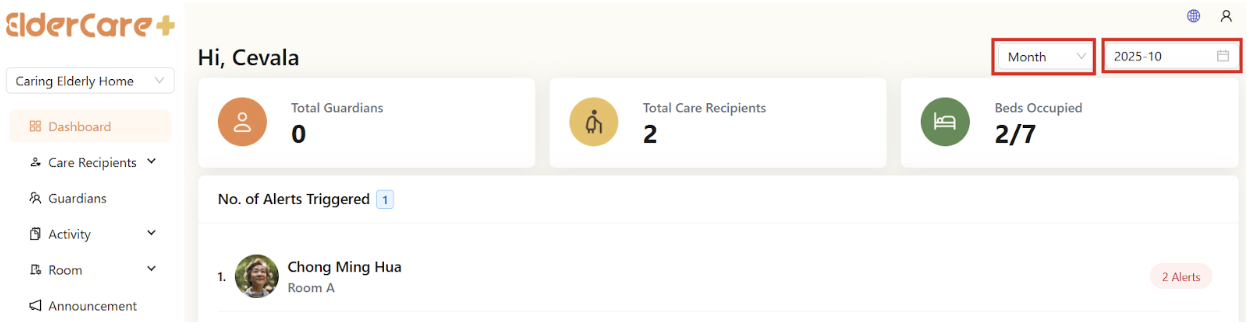
How to Filter in Dashboard
- Select filter by month or filter by year
- Select the date range
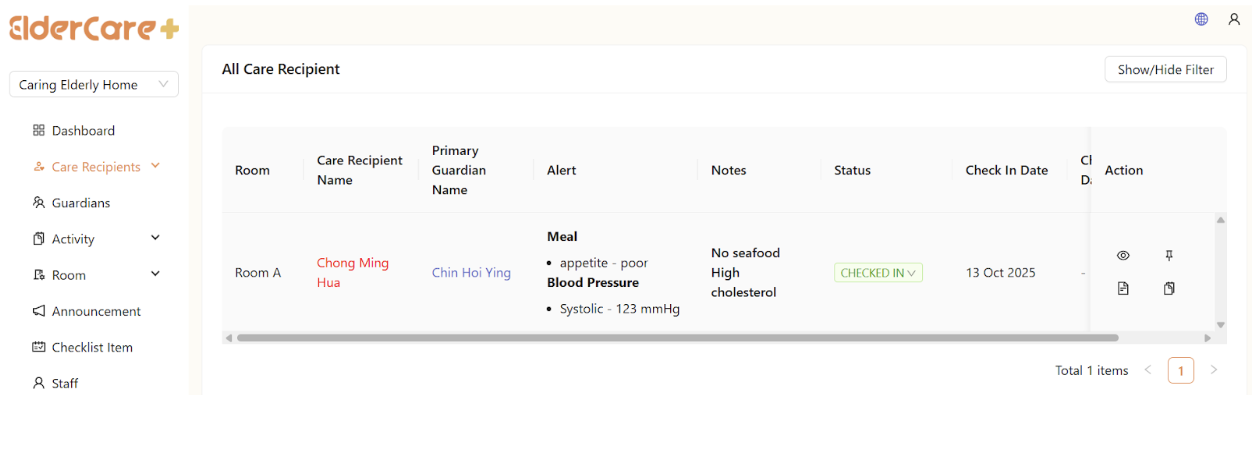
How to Monitor Care Recipients Under Alert
- Click on the care recipient under alert
- Will be directed to care recipient page