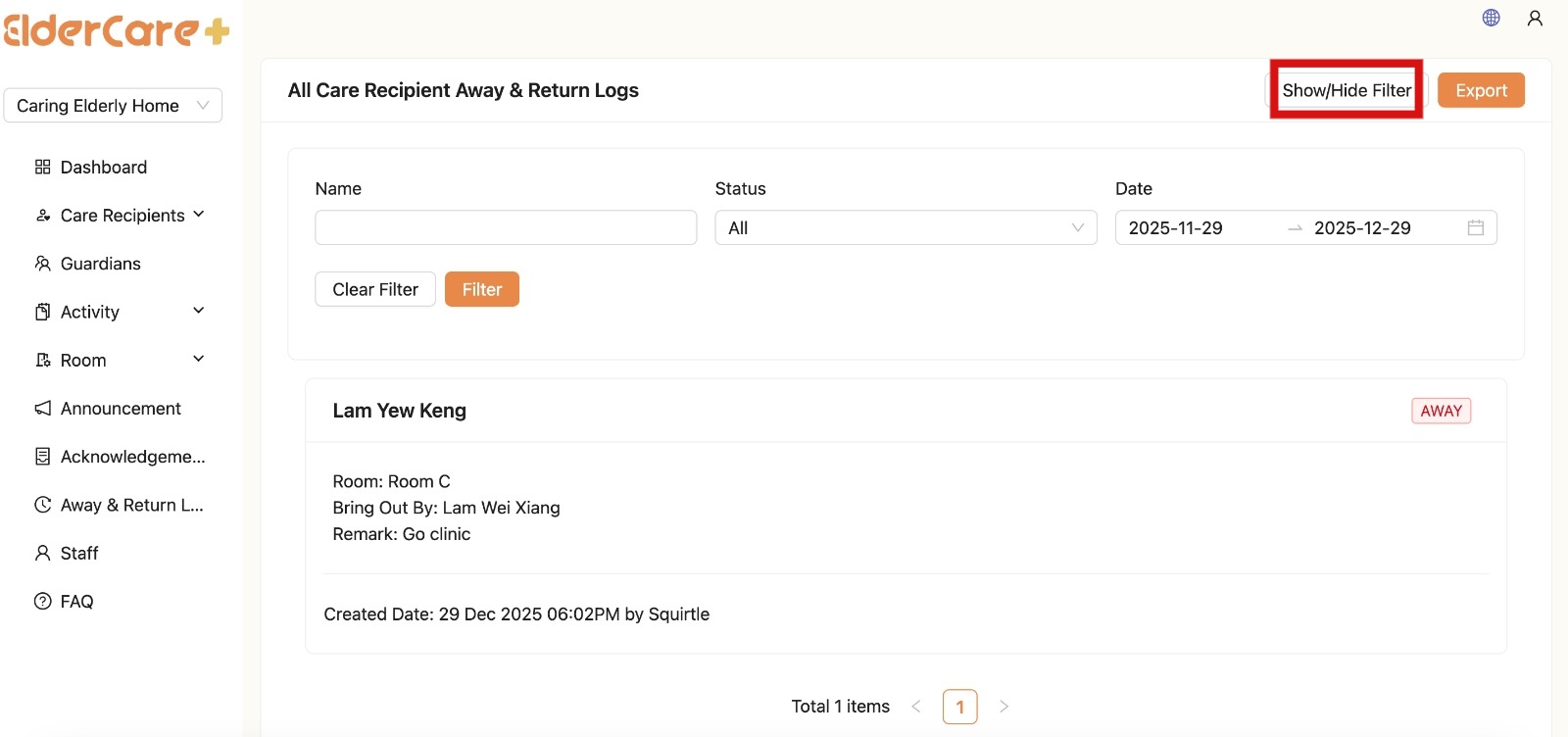
- Location: Away & Return Log
- The Away & Return Log in the Admin Portal allows Admins and guardians to view records of an elderly person’s away and return activities
- In the Admin Portal, this section is read-only
- All creation, editing, and submission of Away & Return Log reports are handled exclusively through the Staff App
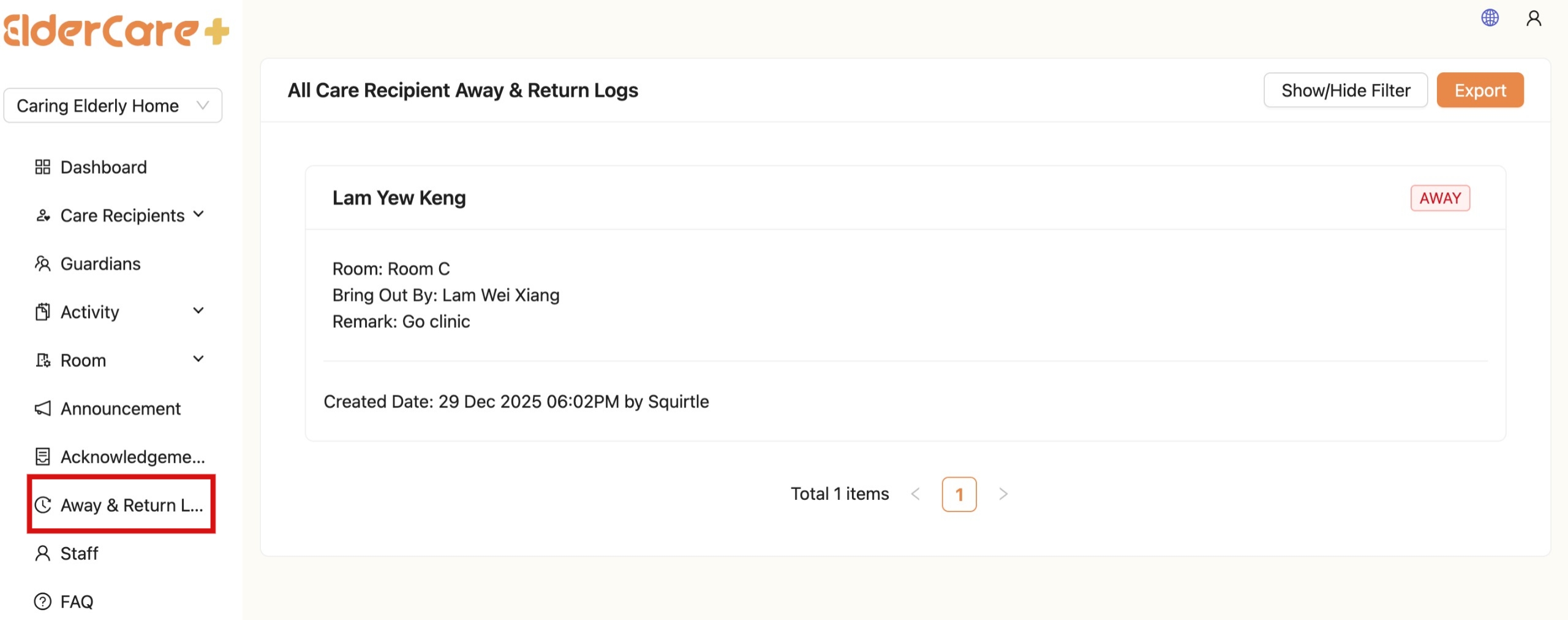
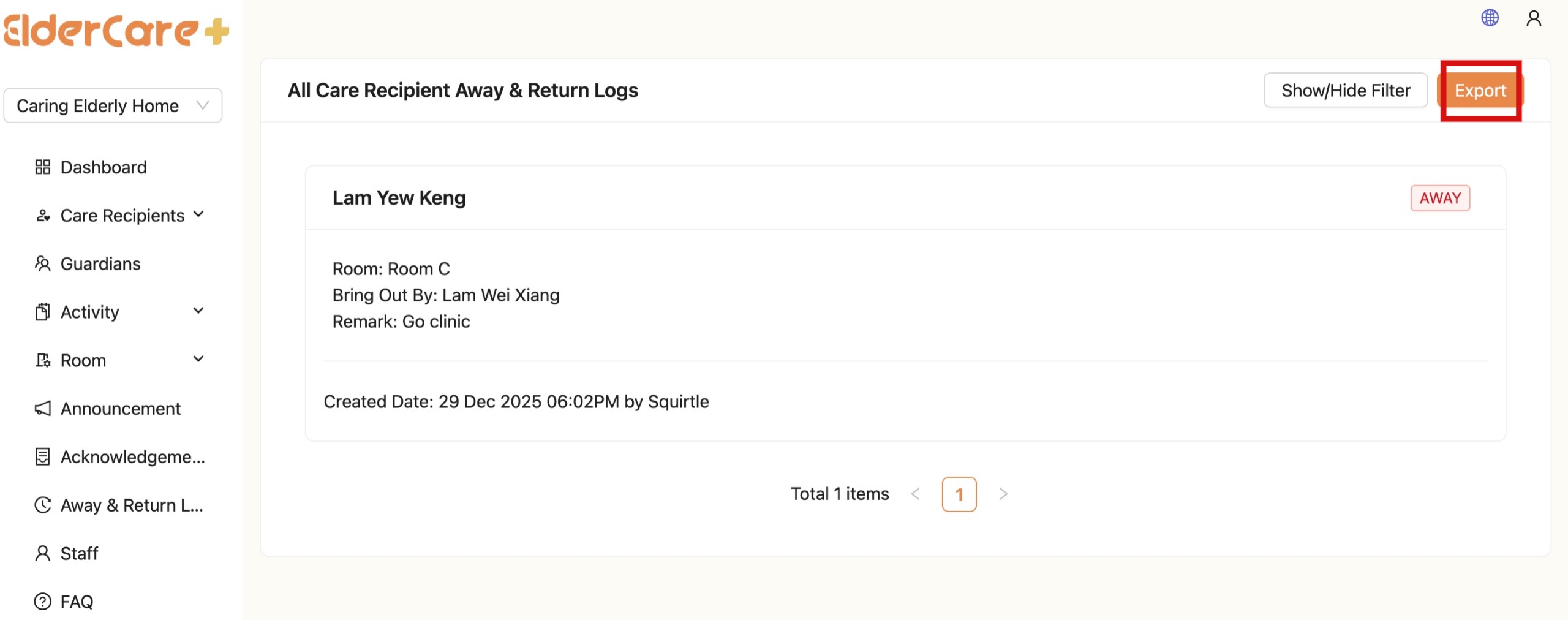
How to Export Away & Return Log
- Click "Export"
- Click "OK"
- Reports will be exported in Excel (.xlsx) format, allowing users to review, share, or analyze the data offline.
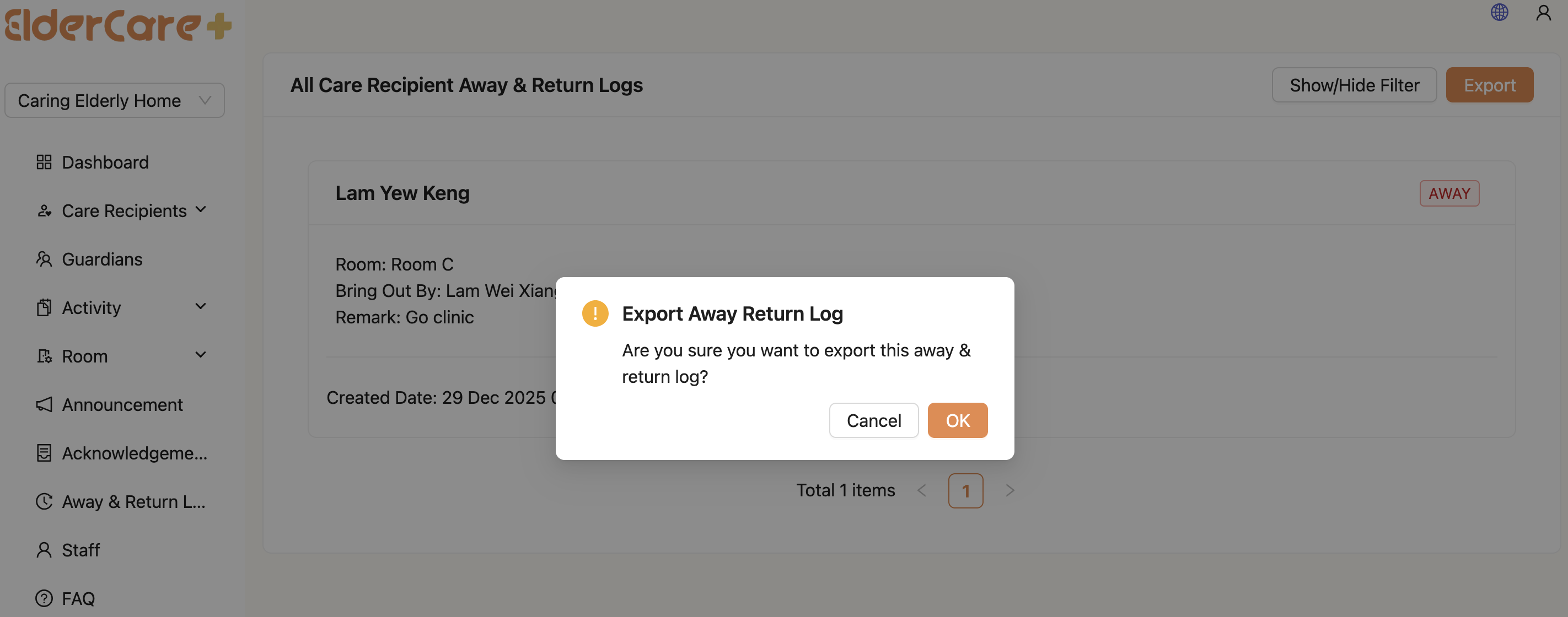

How to Filter Away & Return Log
- Click “Show/Hide Filter”
- Fill in the field that you wish to filter, then click “Filter”