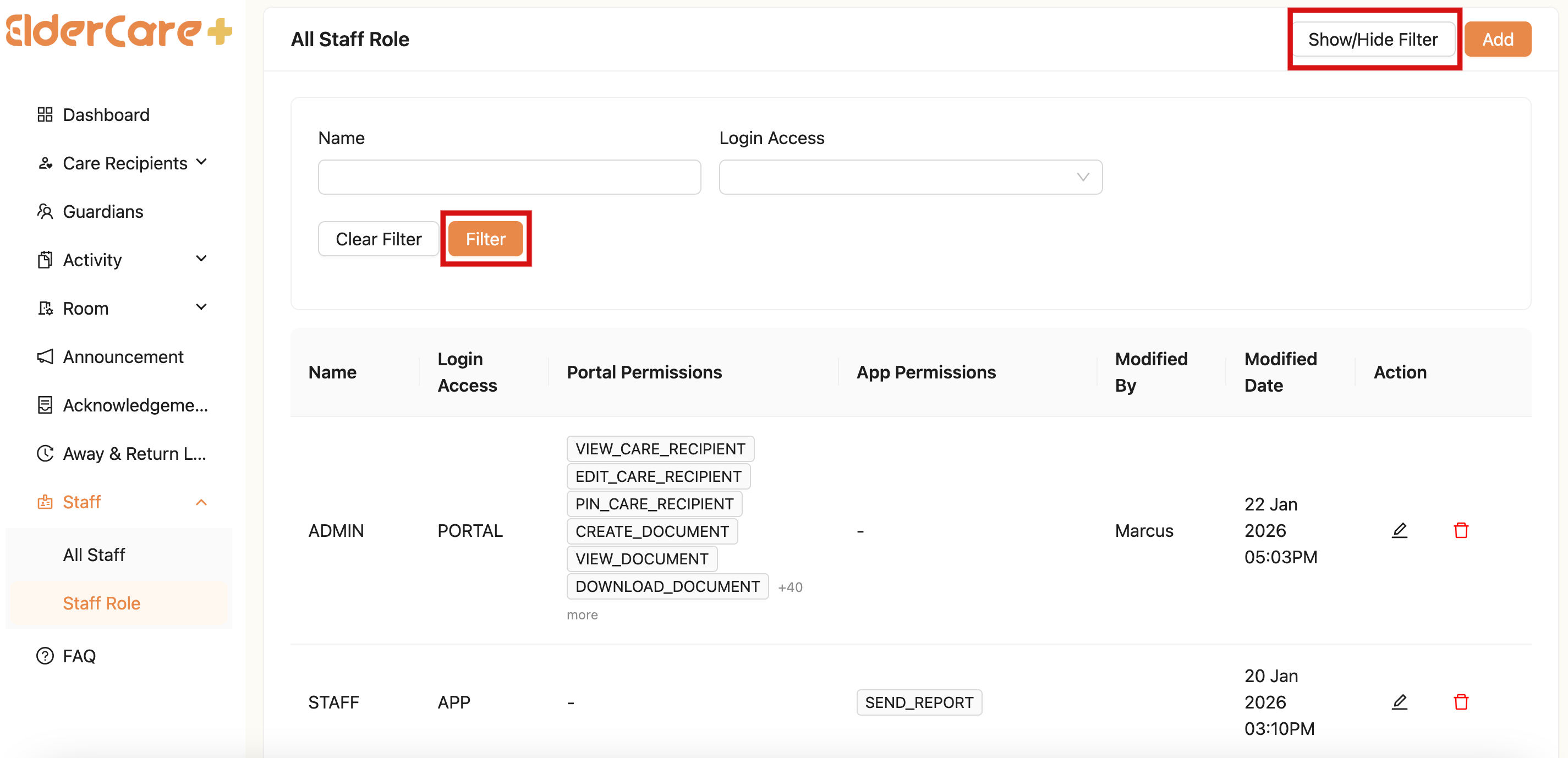
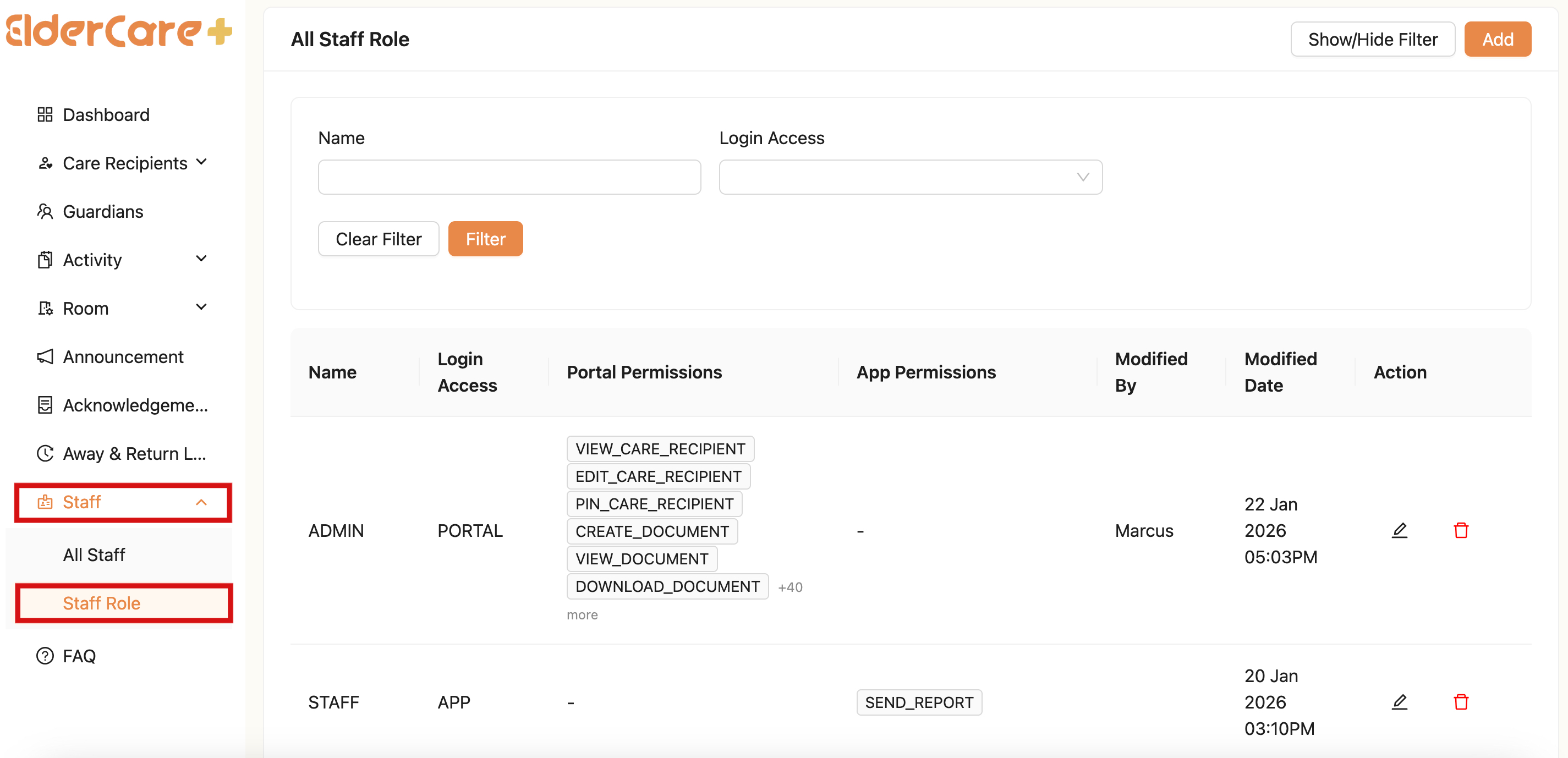
Staff Role
- Location: Staff Role
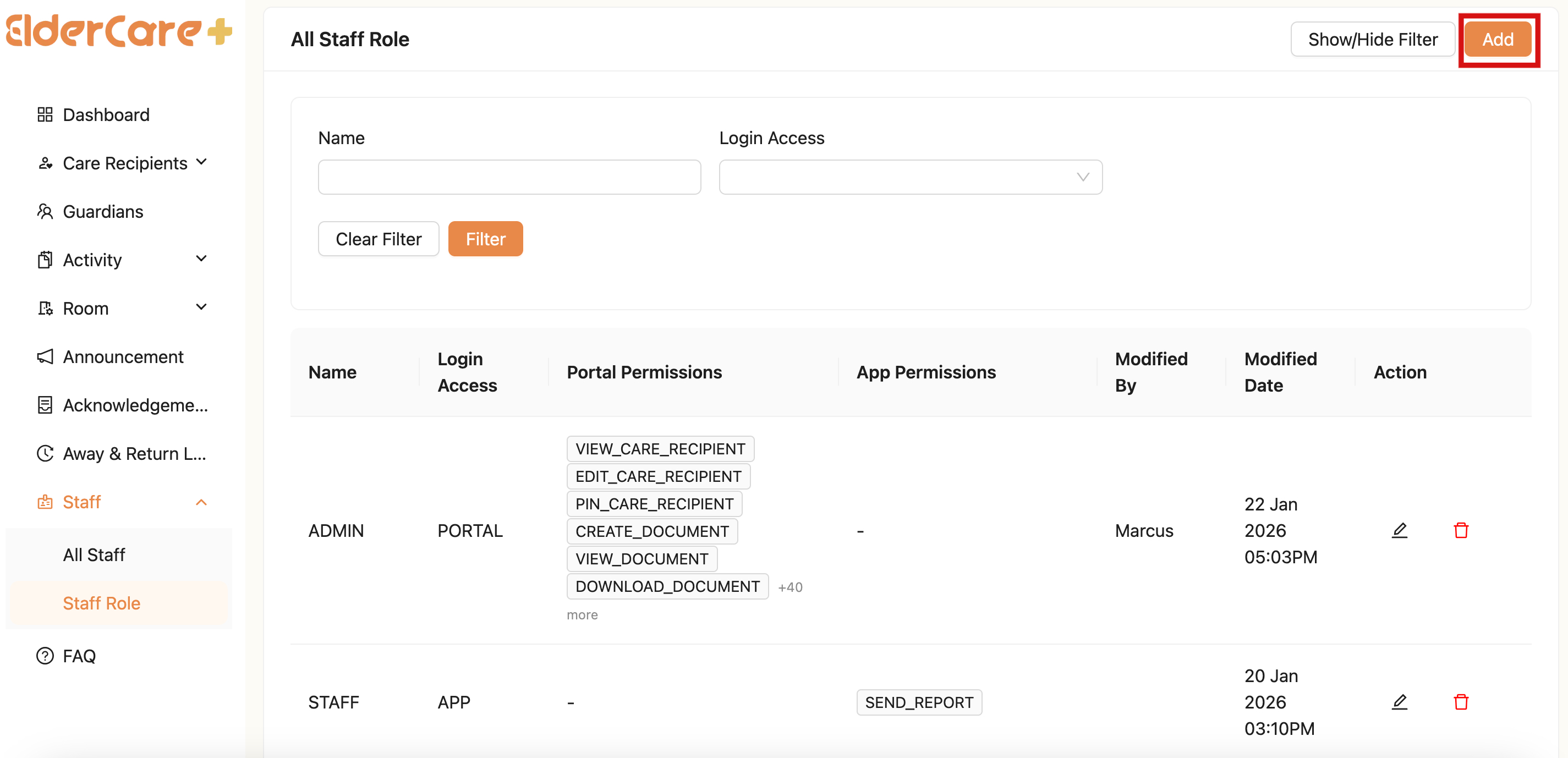
How to Add Staff Role
- Click “Add”
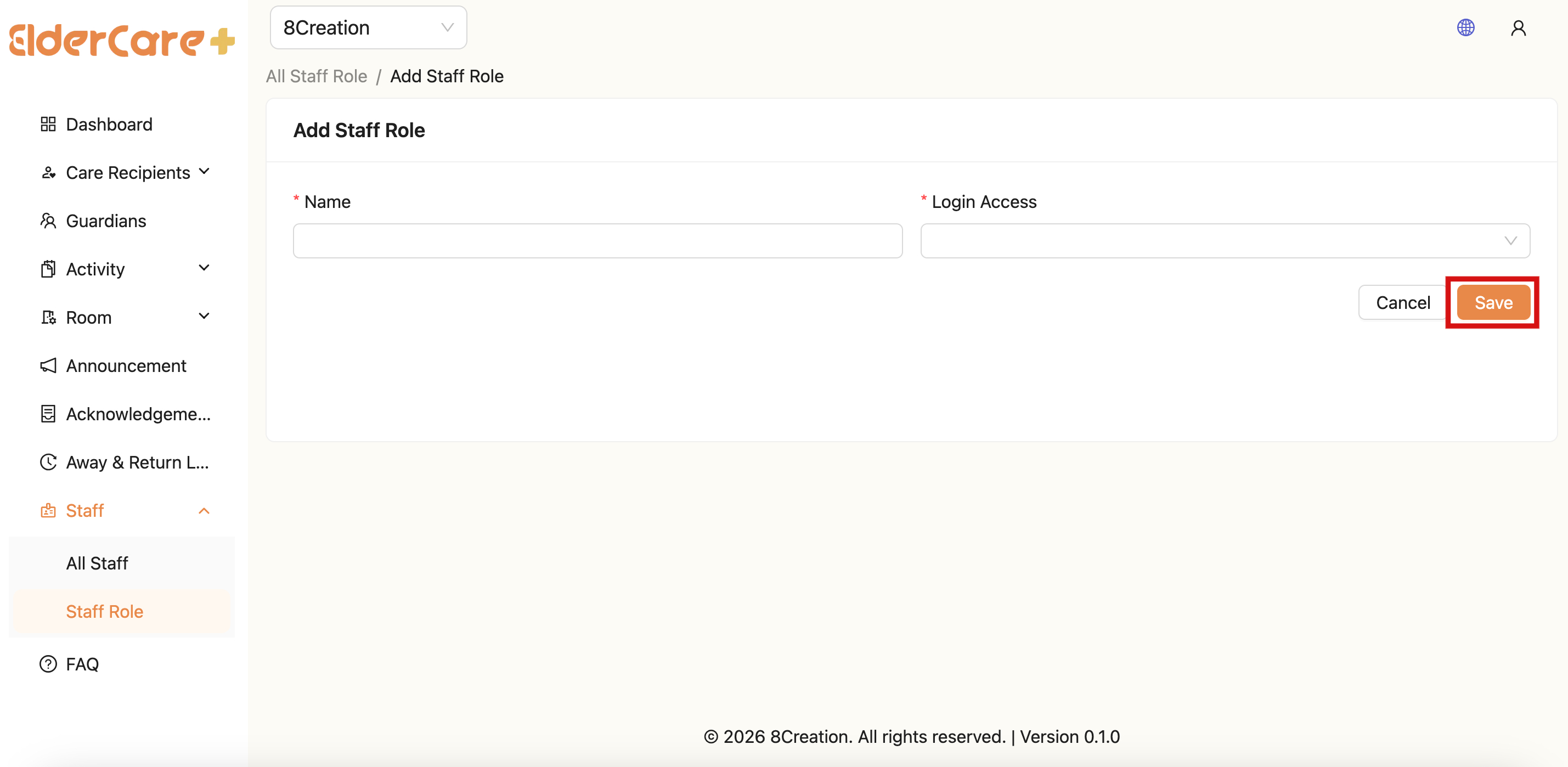
- Fill in the required field and click on the tickbox to select the permissions or click “Select All”
- Click "Save"
How to Edit Staff Role
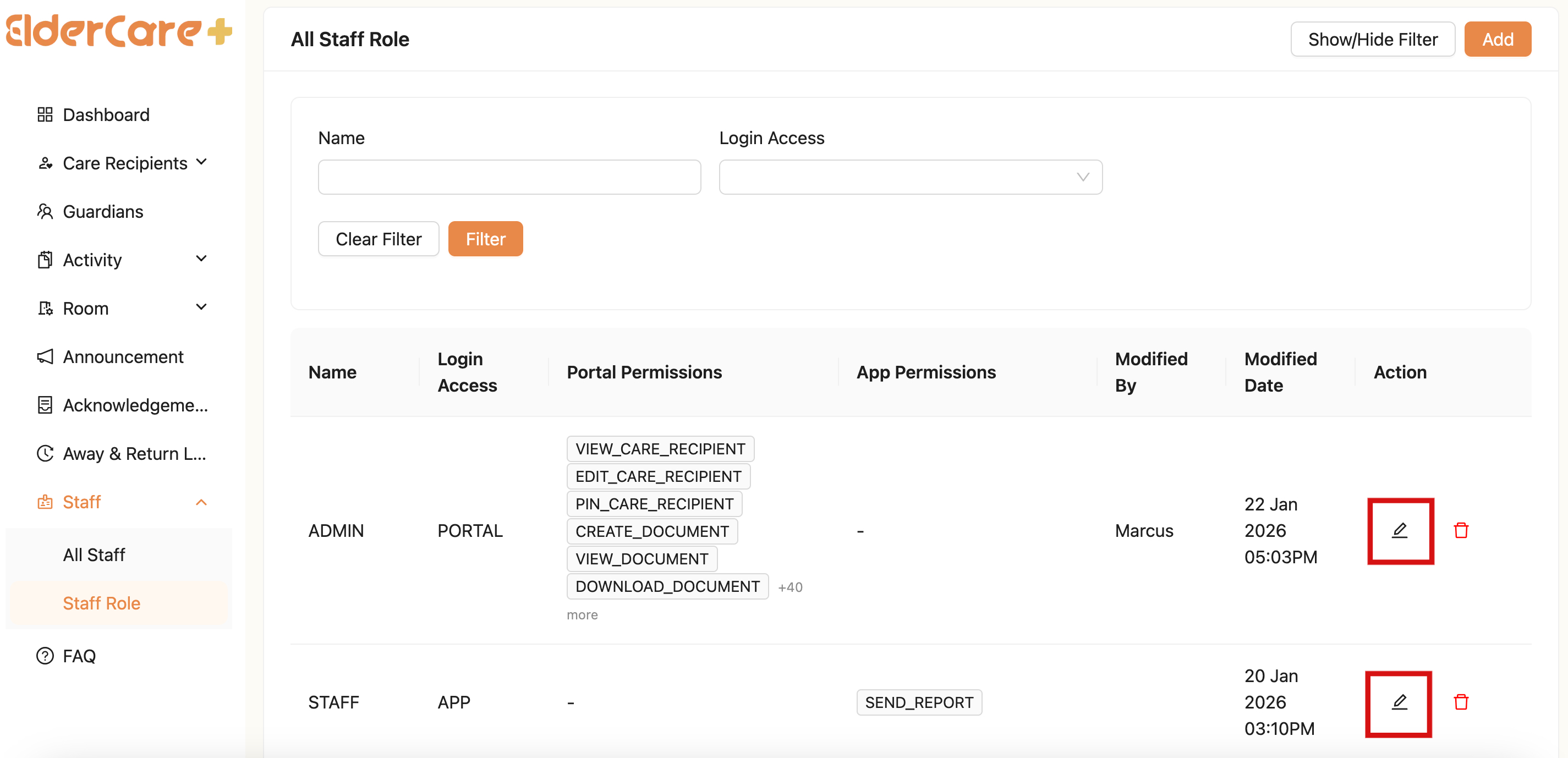
- Click on the Edit icon
- Make changes in the required field, then click “Save”
How to Delete Staff Role
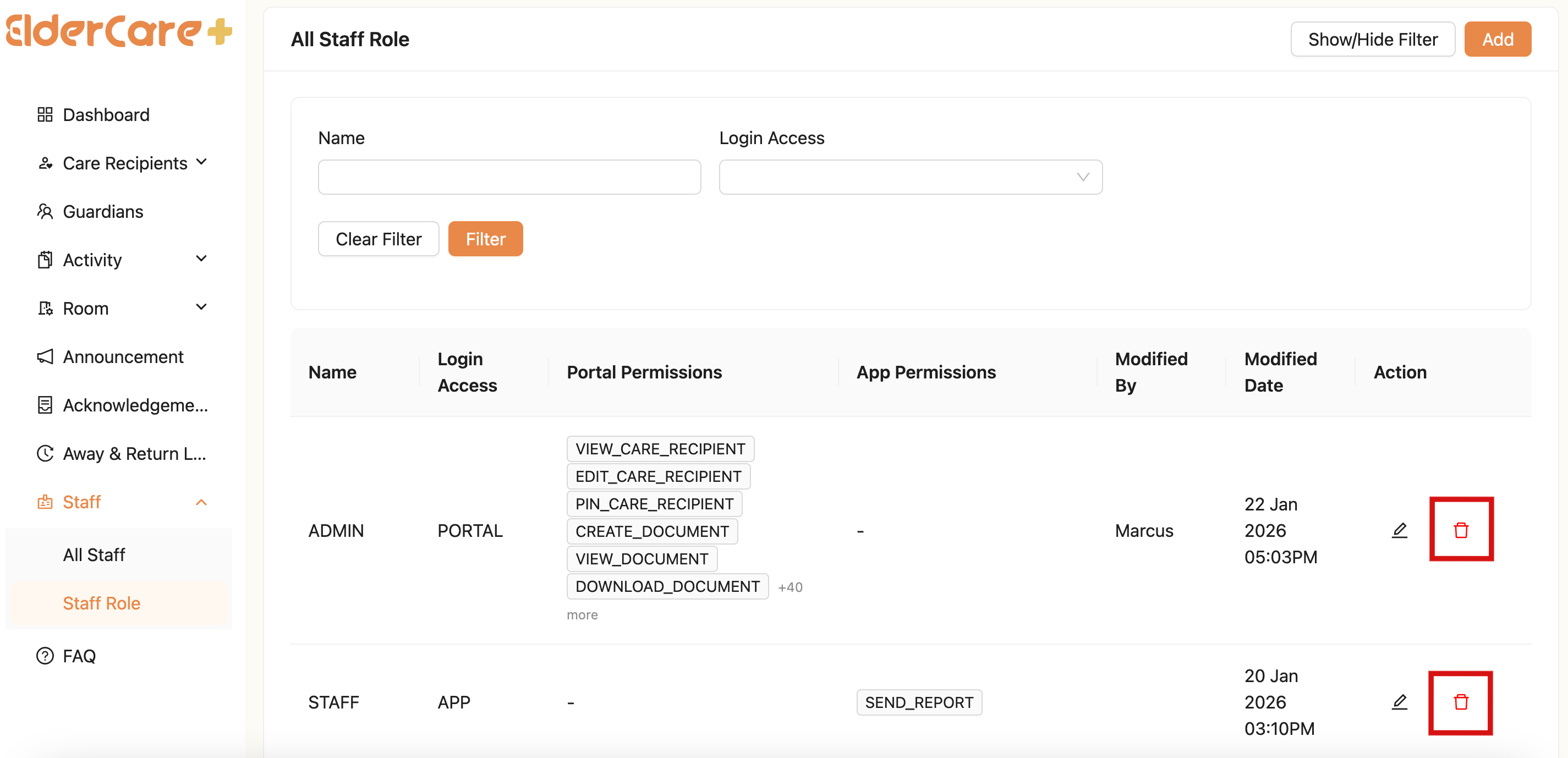
- Click on the Delete icon
- Unable to delete staff role when assigned to staff
How to Filter Staff Role
- Click "Show/Hide Filter"
- Fill in the field that you wish to filter, then click “Filter”