Room Management
- Set up types of rooms and how many people can be accommodated in one room
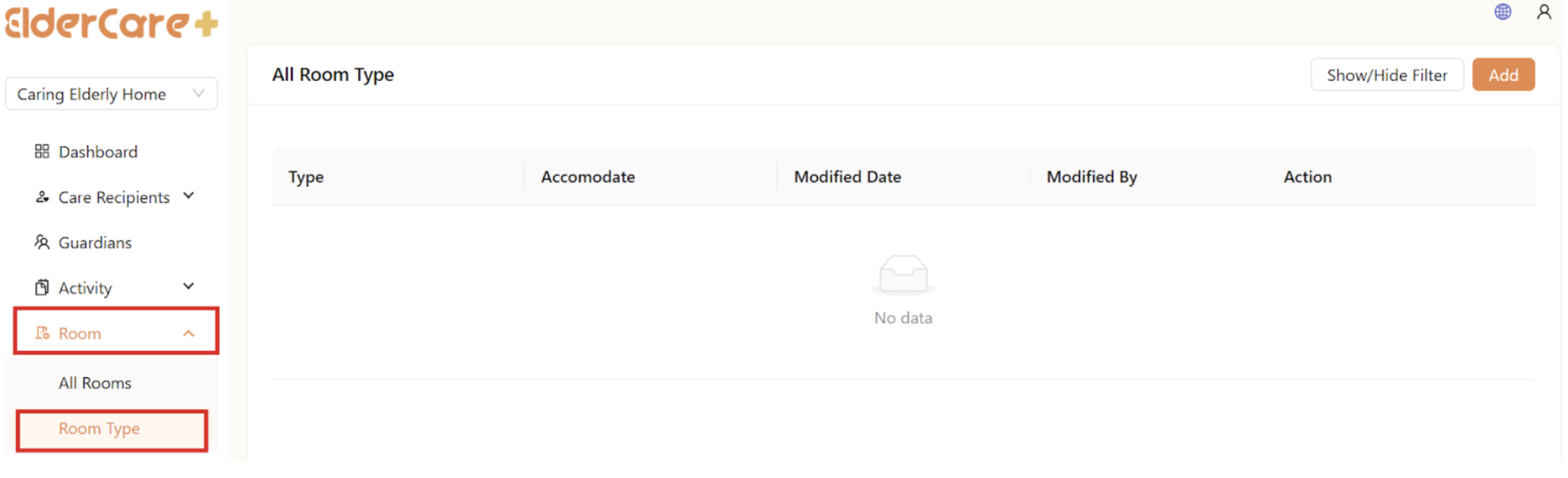
- Location: Room -> Room Type
How to Add Room Type
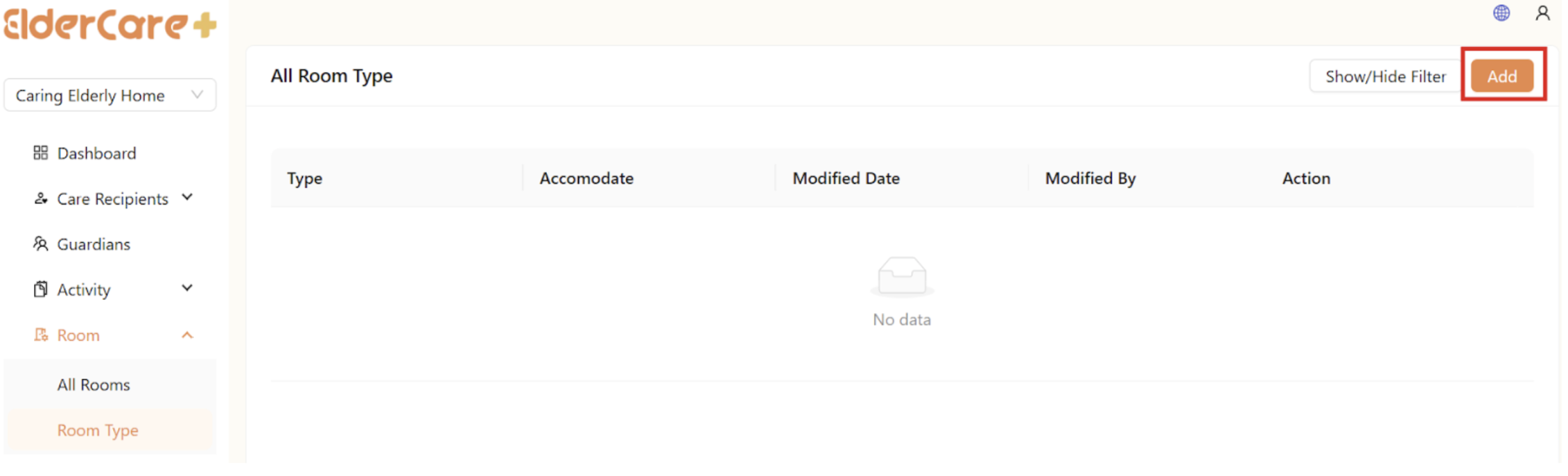
- Click “Add”
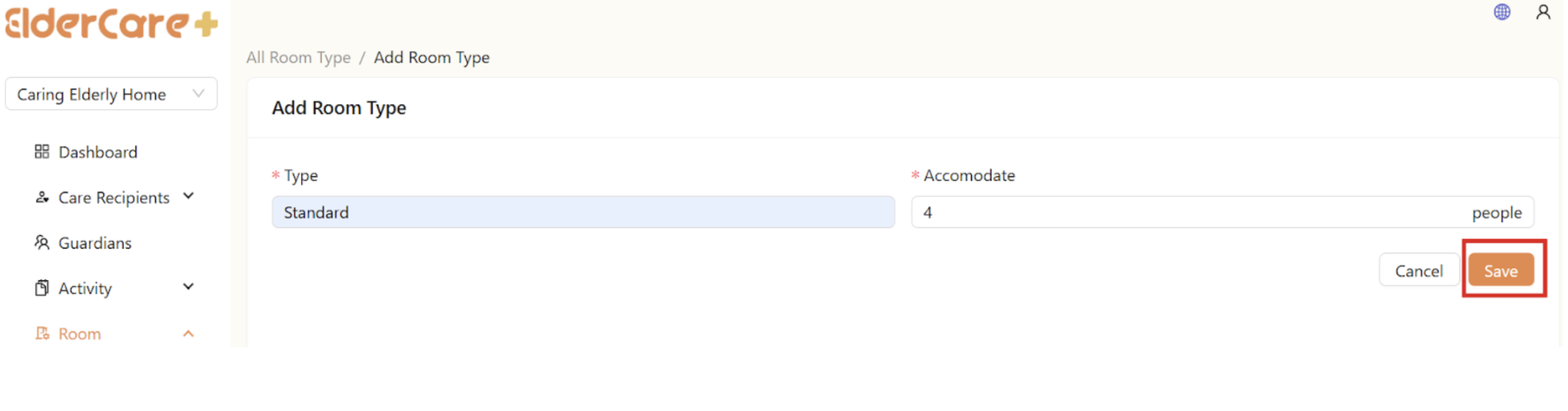
- Fill in the required fields, then click “Save"
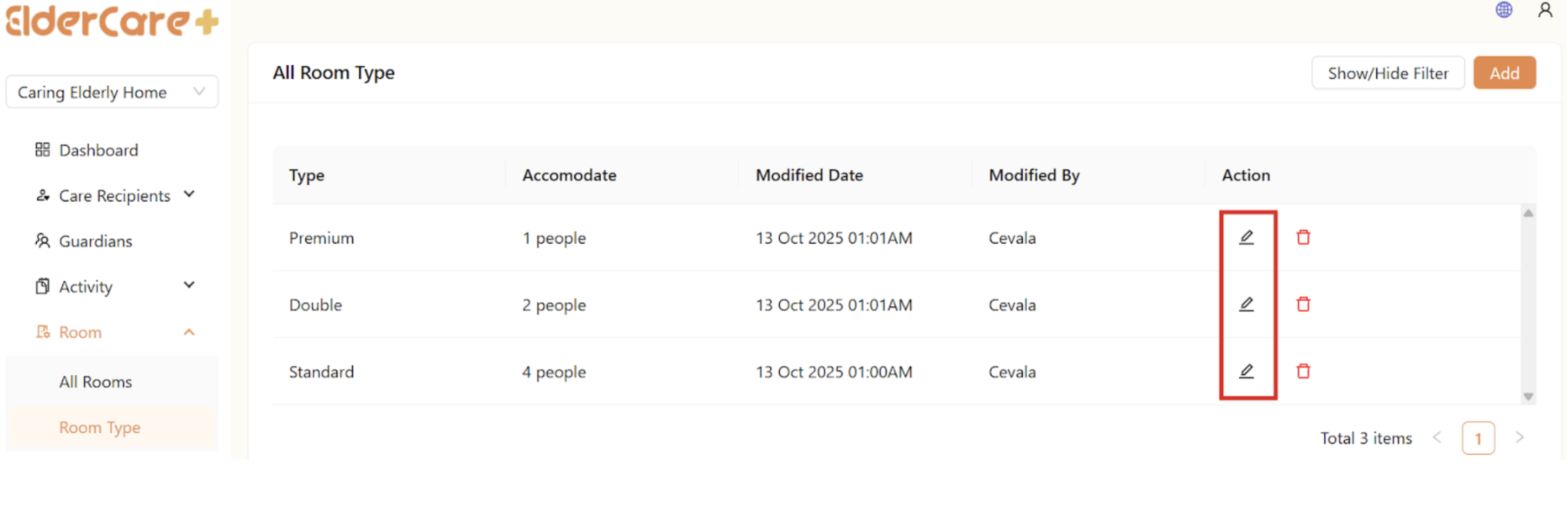
How to Edit Room Type
- Click on the Edit icon
- Make changes in the required field, then click “Save”
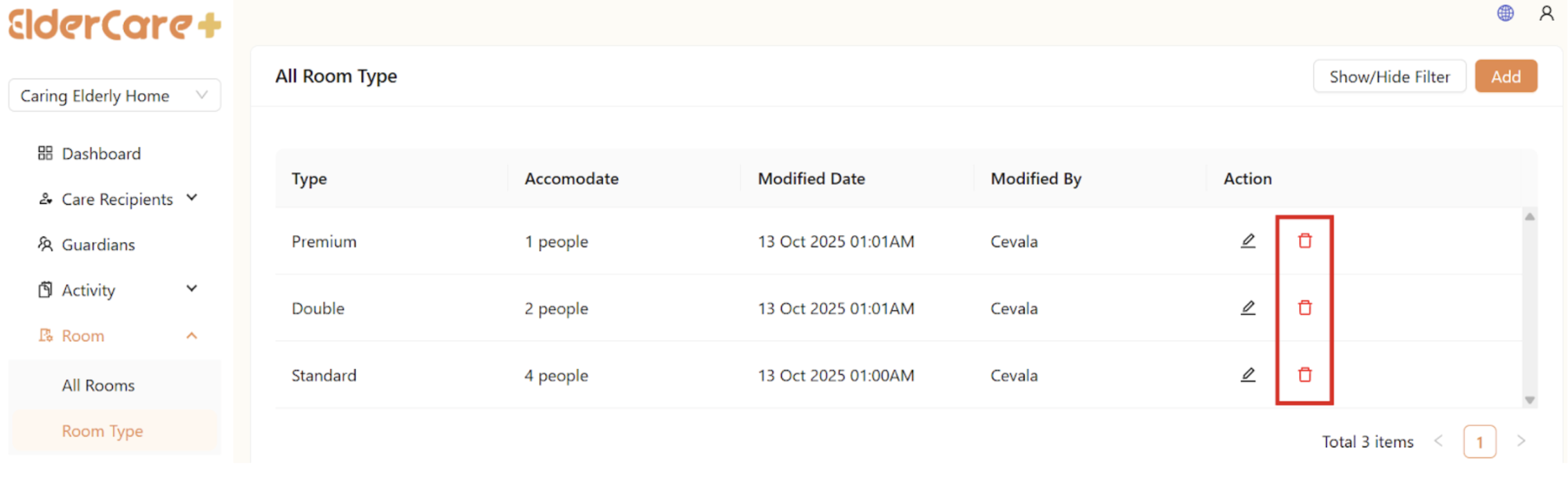
How to Delete Room Type
- Click on the Delete icon
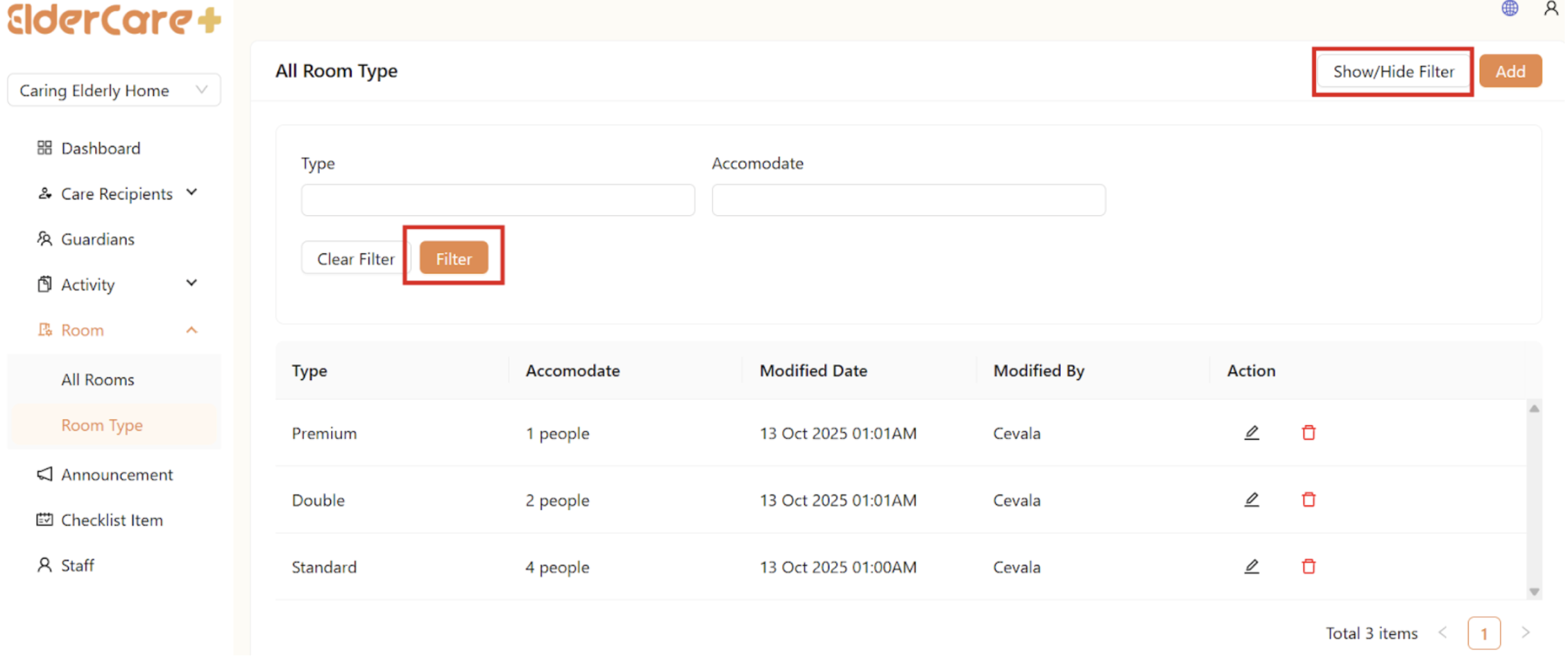
How to Filter Room Type
- Click “Show/Hide Filter”
- Fill in the field that you wish to filter, then click “Filter”