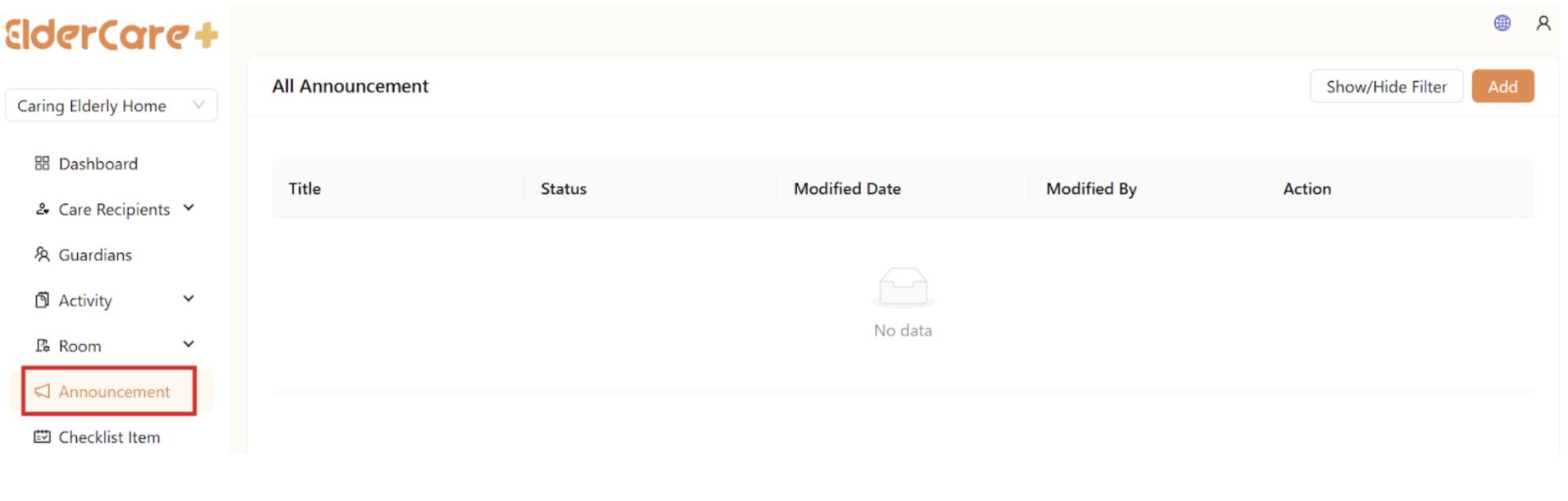
How to Create Announcement
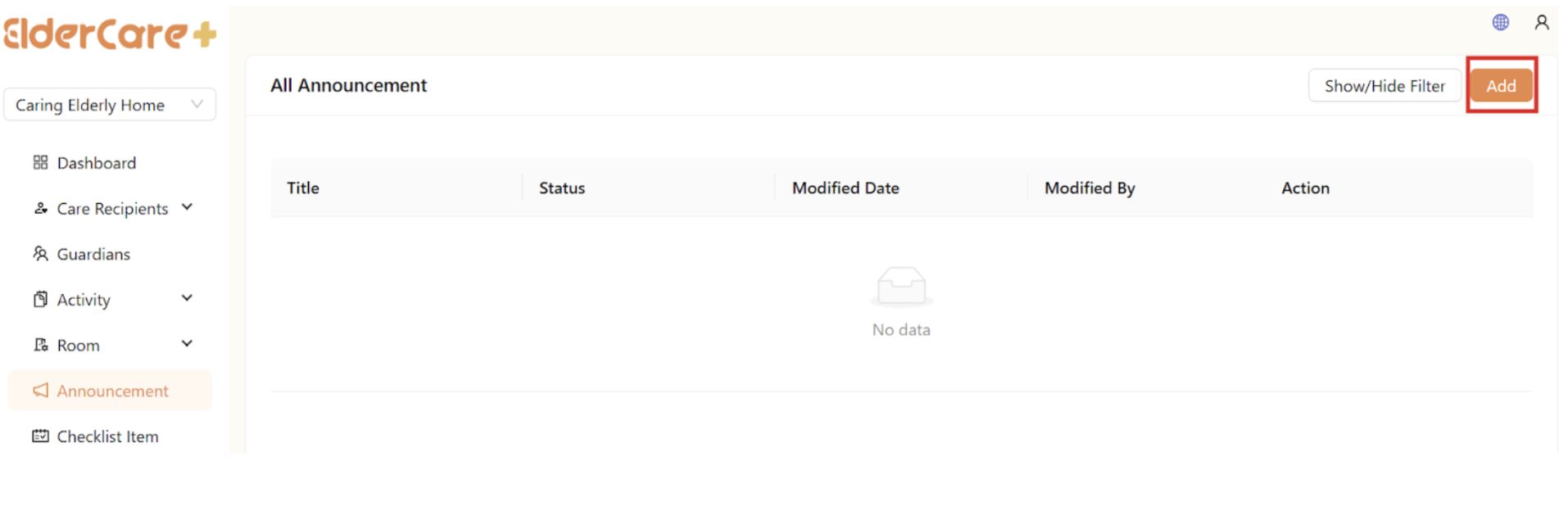
- Click “Add”
- Fill in the required fields, then click “Save”
How to Edit Announcement
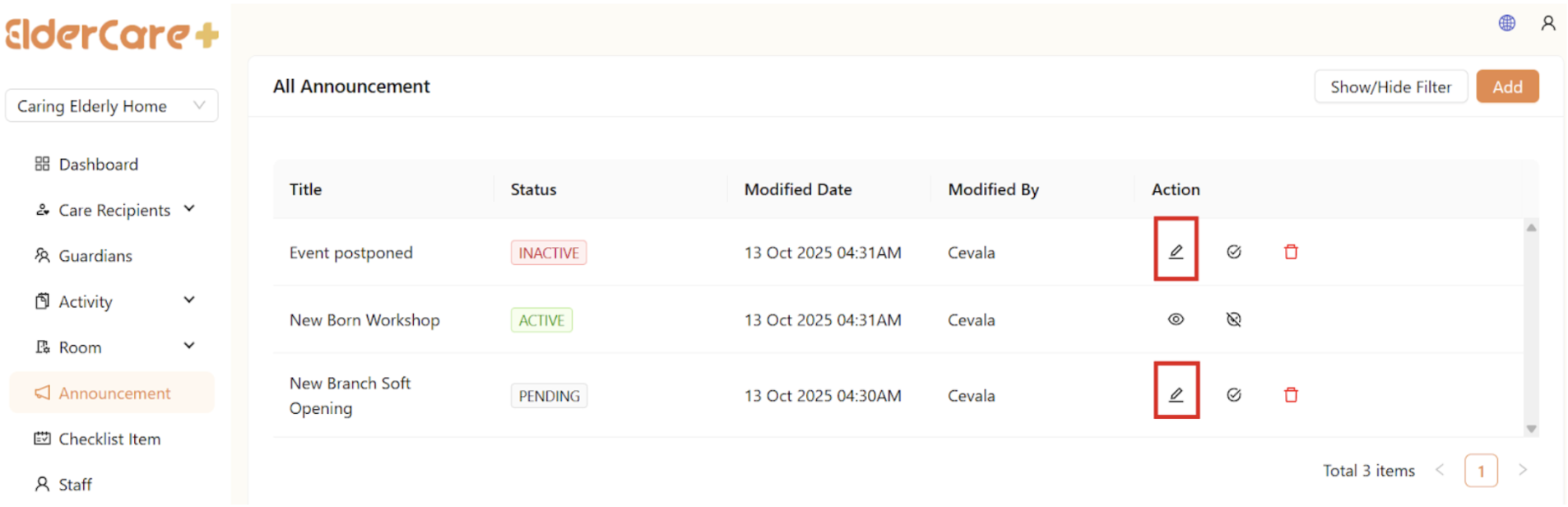
- Click on the Edit icon
- Make changes in the required field, then click “Save”
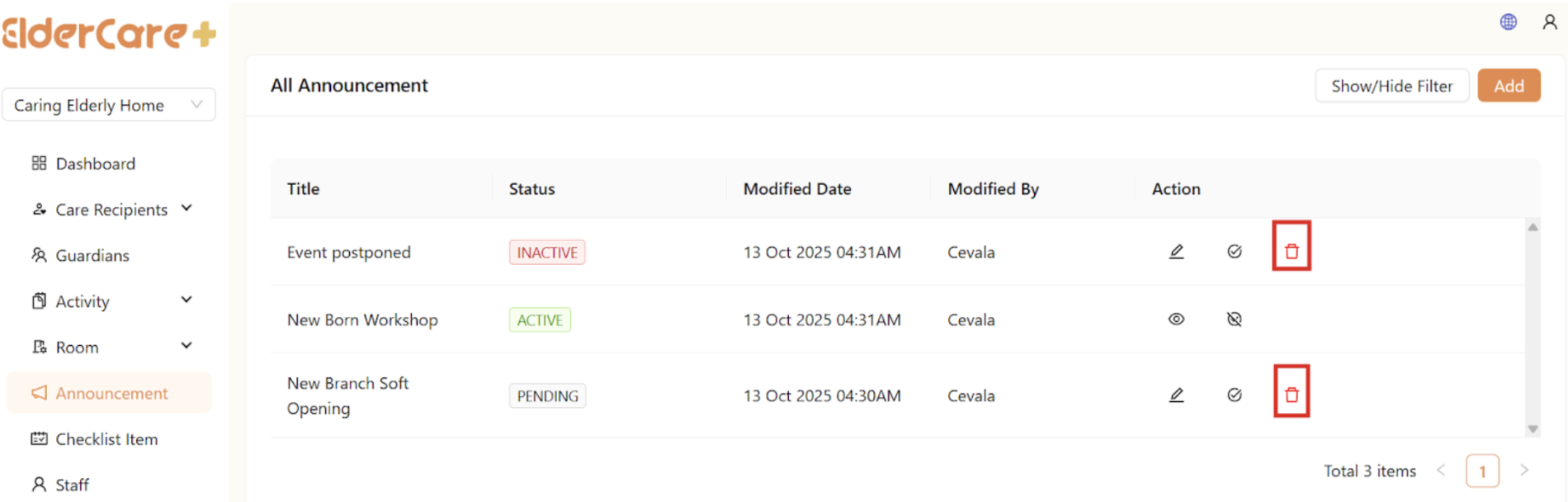
How to Delete Announcement
- Click on the Delete icon
How to Publish Announcement
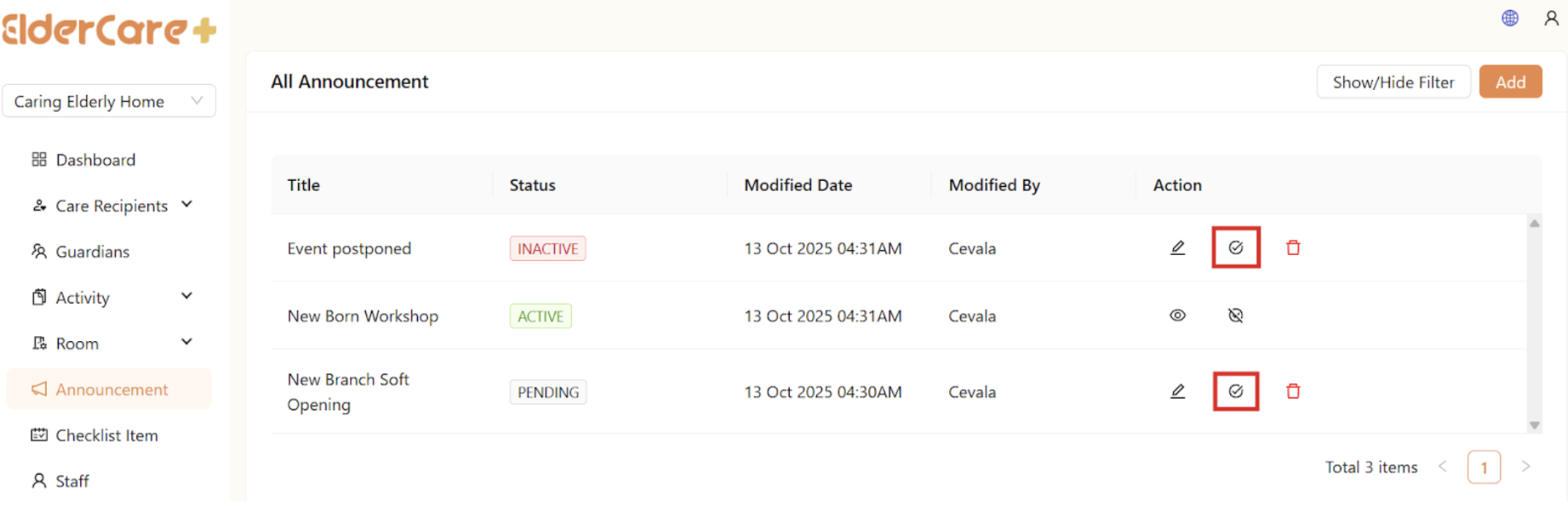
- Click on the Publish icon
- Status changed to “Published”
- Only published announcement will be visible to users
How to Unpublish Announcement
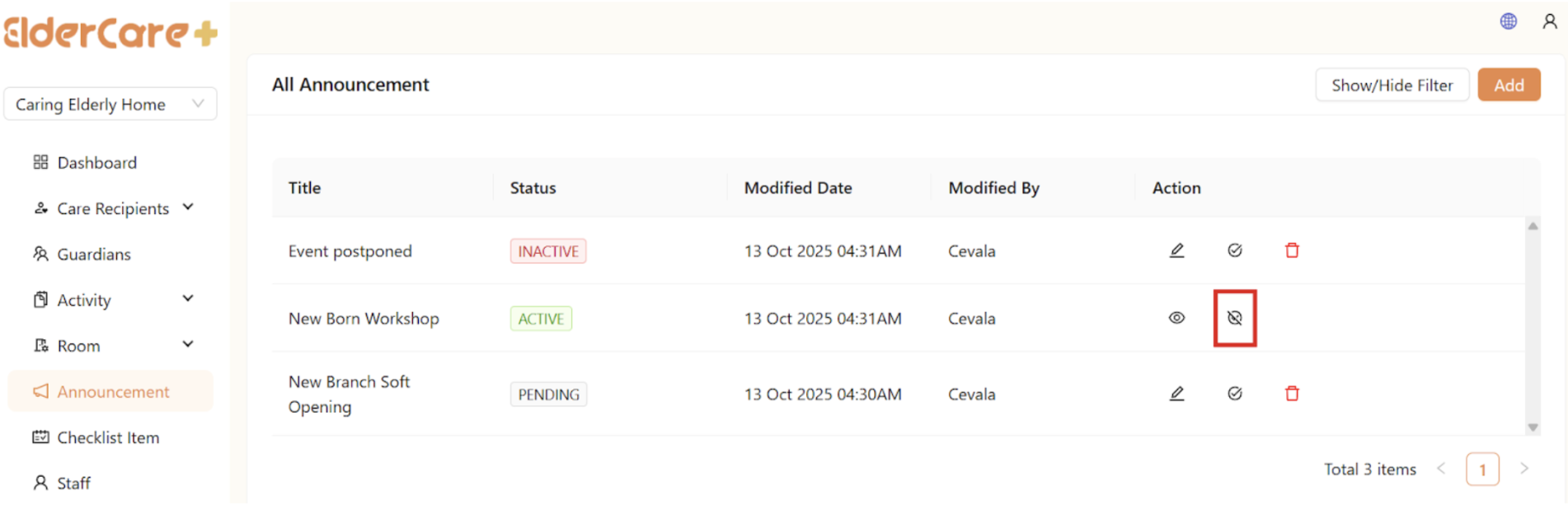
- Click on the Unpublish icon
- Status changed to “Unpublished”
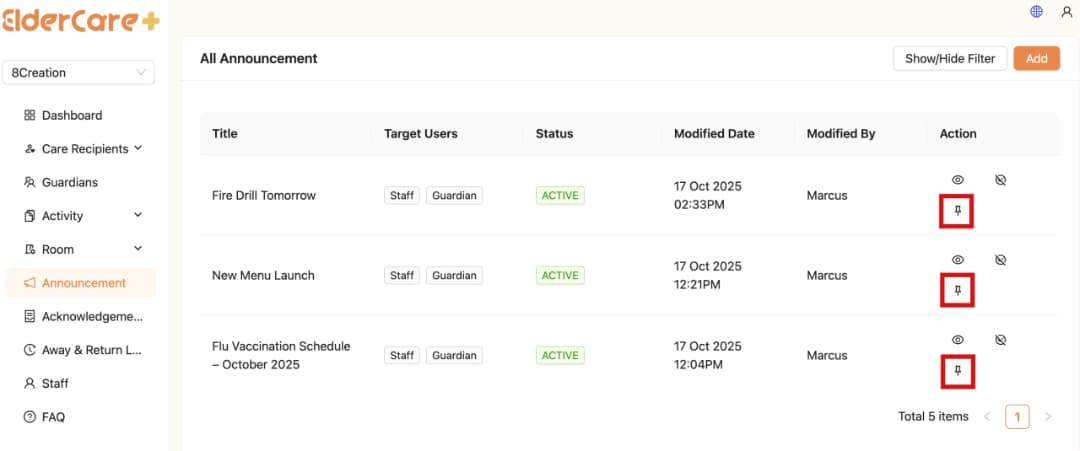
How to Pin / Unpin Announcement On Top